-
Everest Contact Forms Spam Protection: How to Stop Fake Entries in WordPress
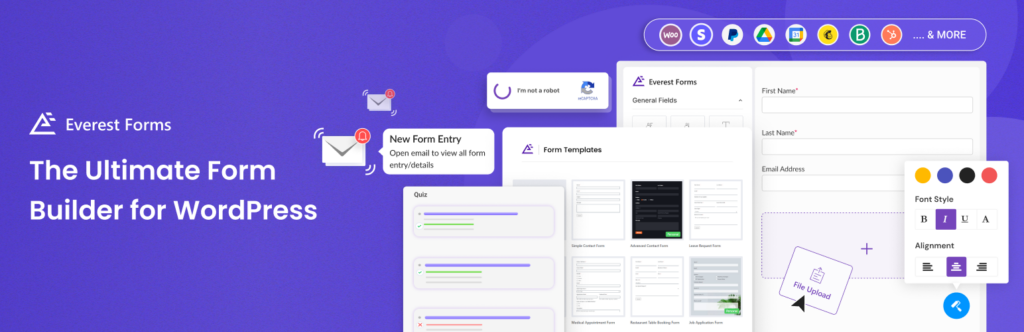
Everest Forms can be used for much more than a simple contact form. Many WordPress websites use it for inquiries, lead generation, bookings, quote requests, surveys, applications, payments, quizzes, file uploads, and customer feedback. That flexibility is useful for real visitors, but it also creates more entry points for spam. If an Everest form is
FEEDBACK LOG


The Latest
-
How to save your Form by Web-Settler from spam
While using Contact Form by Web-Settler, always be sure to use the most effective Anti-Spam plugin. Read the guide below and learn how to completely save your Contact Form by Web-Settler from spam. Once CleanTalk Anti-Spam plugin is installed it starts to protect all of the existing forms on your WordPress website. It may not…
-
How to protect your CS-Cart website from spam using Universal Anti-Spam Plugin by CleanTalk
Part 1: Installing the Universal Anti-Spam Plugin Universal Anti-Spam plugin can be installed on any custom websites, CMS and Frameworks. If you don’t have programming experience to add our API on a website it will be a better way to protect your website from spam with CleanTalk. Invisible to the visitors, spam protection has a…

-
Updates for spam_check() API method
Keeping you updated with the latest changes about API of the spam_check method. The 3 following parameters were removed from the API of the spam_check() method due to lack of demand: frequency_time_10m – 10 minutes activityfrequency_time_1h – 1 hour activityfrequency_time_24h – 24 hours activity Instead of these 3 parameters, we added the “spam_frequency_24h” parameter, which…
-
How to Disable all WordPress Comments
If you get spam through your comments forms you can always use our Anti-Spam plugin for complete spam protection. But if you decided to disable all WordPress Comments on your website we also have a simple decision for you. Follow our guide to disable all the Comments fields you don’t need in less than 5…