-
Strong Testimonials Forms Spam Protection: How to Stop Fake Testimonials in WordPress

Strong Testimonials forms are different from normal contact forms. They are not only used to send a message to the site owner. They are used to collect customer feedback, reviews, ratings, names, photos, company details, and testimonial text that may later appear publicly on a website. That makes spam more risky. If fake testimonials are…
FEEDBACK LOG


The Latest
-
Custom text messages for Security FireWall Block Page
We’re glad to introduce the new feature of our Security Extra Package. When you use Personal Black Lists (including blocking by country) users see a default message “This is the testing page for Security FireWall” but now you can change it. The message can include your email or phone number. In that case, you can…

-
Our client’s review: MORGENSTUDIO.DE
We continue sharing our clients’ reviews and today’s one is brought to you by @doriank from morgenstudio.de. Good solution for spam Using this on two sites for a while and works extremely good. Recommended!

-
Our client’s story: EKART.CZ
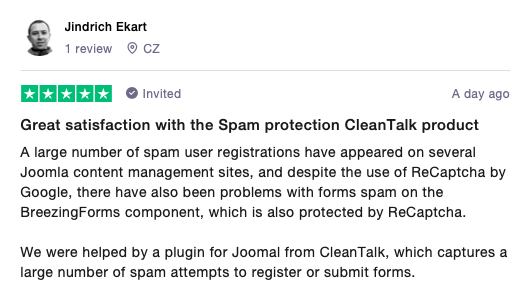
We continue sharing our clients’ stories and today’s one is brought to you by Jindrich Ekart from ekart.cz. Great satisfaction with the Spam protection CleanTalk product A large number of spam user registrations have appeared on several Joomla content management sites, and despite the use of ReCaptcha by Google, there have also been problems with…
-
How to stop spam on Drupal – Webform Forms
CleanTalk added Webform Forms spam protection using direct form integration. So if you prefer to use Webform Forms, be sure to use the most effective Anti-Spam plugin. Read the guide below and learn 7 steps to protect your Webform Forms from spam. Once the CleanTalk Anti-Spam plugin is installed it starts to protect all of…