-
How to Reduce Server Load by Simply Filtering Bad Traffic
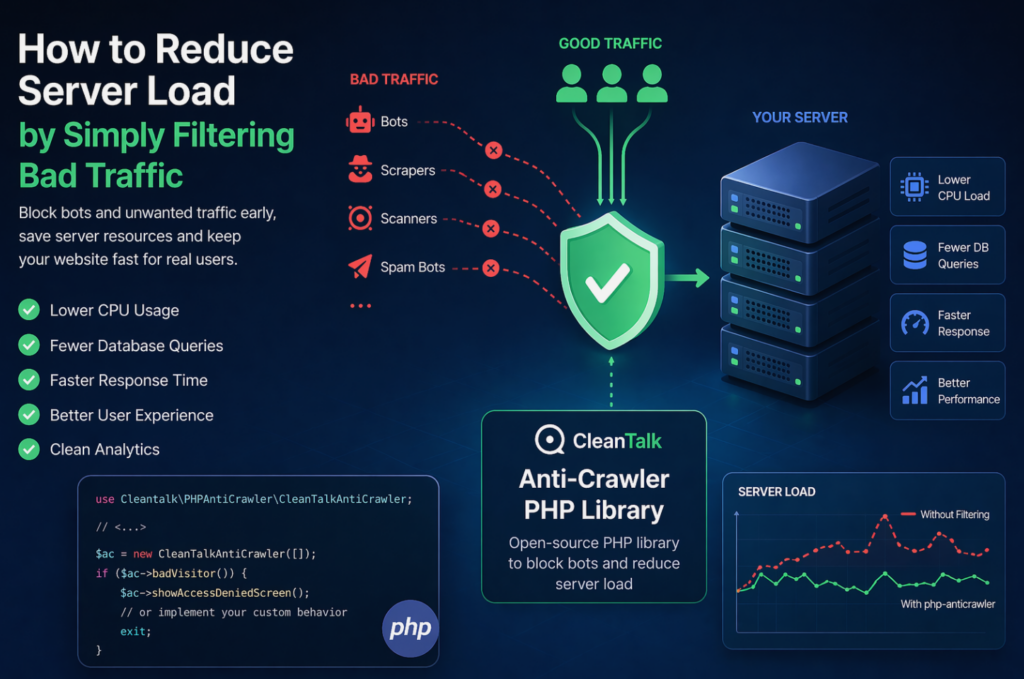
When a website starts slowing down, many teams immediately think about scaling infrastructure: adding CPU, RAM, more servers, or optimizing the database. In reality, a significant part of server load is often caused not by real users, but by automated traffic — bots, scrapers, vulnerability scanners, spam robots, and aggressive crawlers. These requests may continuously
FEEDBACK LOG


The Latest
-
New option. Settings templates
Dear customers, we are pleased to present you a new option that simplifies management settings if you have a lot of sites. CleanTalk allows you to create templates for the control panel and plugin settings. Templates for the control panel settings If you need the same site settings in the control panel, you can select…

-
How to change wp-login URL
Hello, We have updated the WordPress CleanTalk Security plugin and added a new option that allows you to change the URL of the authorization page wp-login. This option helps you change the default wp-login URL. Hackers use scripts for massive brute-force attacks, and since most sites use a default login page URL, hackers configure scripts…

-
Download the Blacklist IPs Database
Hello, We are pleased to announce the expansion of the BlackList API capabilities. We have automated the process of gaining access to downloading spam IP/Email addresses that are on the CleanTalk blacklists. We have supplemented the BlackList API packages and added the ability to download the blacklist database, and when purchasing the BlackList API package,…

-
Spam Protection for WordPress Avada Theme
If you are using Avada Theme Form Builder, then like any other web form, you need anti-spam protection. Spammers use forms on the site and send spam messages or comments through this form. We have made an integration CleanTalk anti-spam plugin with Avada Theme Form Builder. Now you can protect your forms from spam without…