-
WordPress Password Leak Protection in CleanTalk Plugin
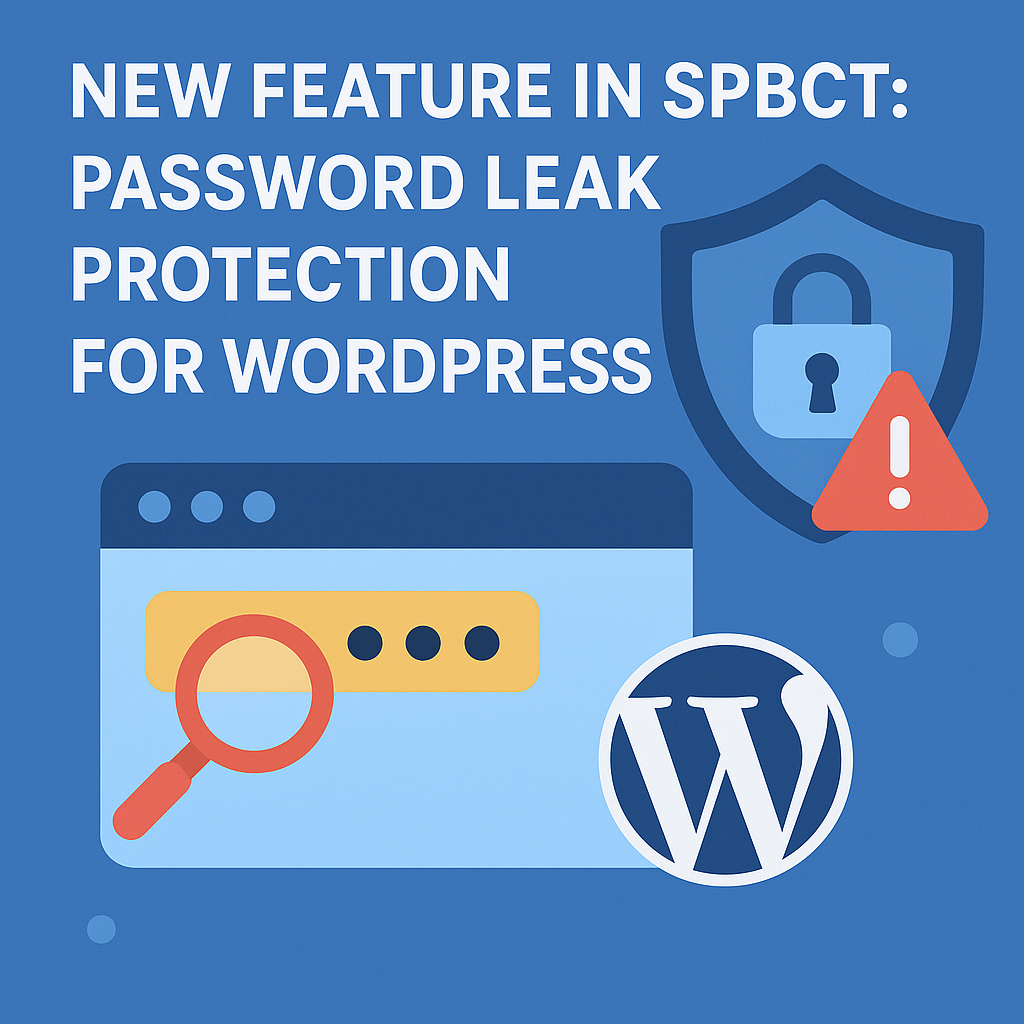
Leaked passwords are one of the fastest-growing threats to WordPress. WordPress password leak protection helps block attackers who reuse stolen credentials from massive breaches.Security by CleanTalk now gives you a way to stop them before they log in. What’s New: WordPress Password Leak Protection Password Leak Protection automatically checks user credentials against public breach databases.
FEEDBACK LOG
The Latest
-
CleanTalk and Follow.it Subscription Form compatibility
In case you use both CleanTalk Anti-Spam and Follow.it Subscription Form simultaneously it becomes impossible to protect this form. It happens because the form itself is external and the data doesn’t go to the site itself, but is sent to an external resource and will not be possible to check it. So in order to…

-
Absolute spam protection for your NEX Form
In case you use NEX Contact Form in your WordPress site be always sure to use proper anti-spam plugin to protect it. For example, CleanTalk Anti-Spam grants absolute spam protection for your NEX Contact Form. Once CleanTalk Anti-Spam plugin is installed it starts to protect all of the existing forms on your WordPress website. It…
-
How to prevent getting spam via 10web Form in 5 minutes
If you prefer to use 10Web Contact Form, always be sure to use the most effective Anti-Spam plugin. Read the guide below and learn how to prevent getting spam via 10web Contact Form in 5 minutes Once CleanTalk Anti-Spam plugin is installed it starts to protect all of the existing forms on your WordPress website.…

-
Form by BestWebSoft – how to protect it from spam in 5 minutes
Contact Form by BestWebSoft is a good choice. But you must be sure to use the most effective Anti-Spam plugin to protect it. For example, CleanTalk Anti-Spam will guarantee your Contact Form by BestWebSoft spam protection. Once CleanTalk Anti-Spam plugin is installed it starts to protect all of the existing forms on your WordPress website.…