-
7 Ways to Prevent Fake Registrations on WordPress (with CleanTalk)
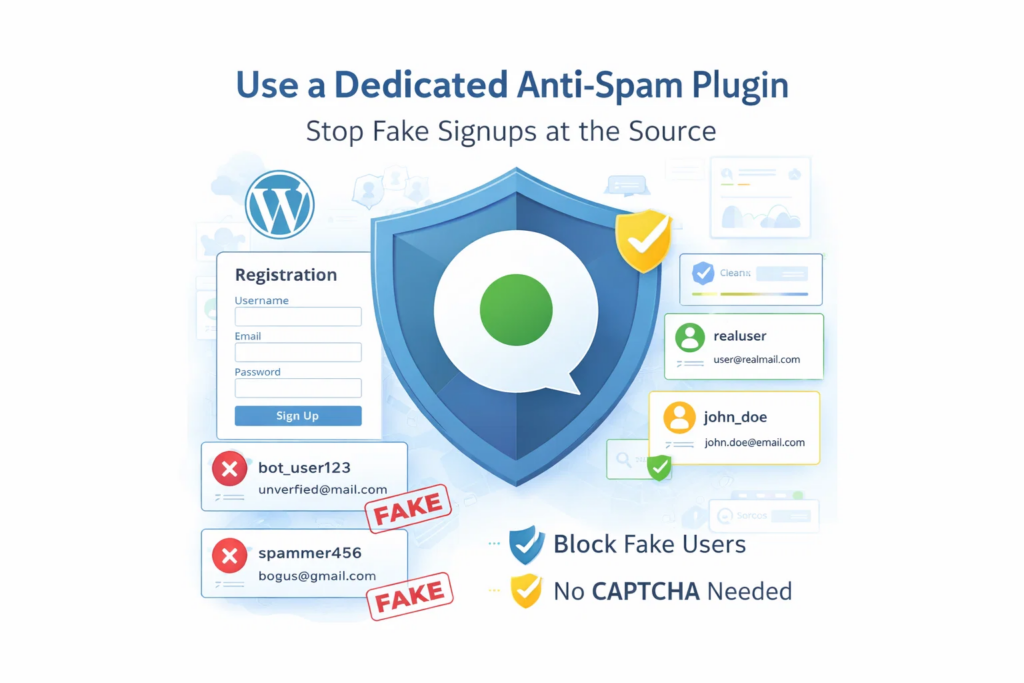
Fake registrations are more than a minor admin inconvenience. They fill your database with junk accounts, waste moderation time, reduce signup quality, and make it harder to understand what real user activity looks like. For WordPress sites, this problem is especially common. Registration forms are public by design, which makes them an easy target for
FEEDBACK LOG


The Latest
-
How to Reset WordPress Password phpMyAdmin
Ease is one of the major reasons why so many people choose WordPress. Yet, it is common to get stuck at some phase. If you are struggling how to reset WordPress admin password from phpMyAdmin, then you have landed on the right page. In this article, we’ll talk about resetting WP passwords through phpMyAdmin so…
-
How to Find Email Addresses
The hunt to find email addresses can be overwhelming. It is not easy to know where to look and who to contact. Having the right contact is the most important part of sending any email, so you definitely want to make sure that you follow through. There could be many reasons as to why you…
-
All-in-one plugin for your Quform Forms spam protection
While using Quform Contact Forms, always be sure to use the most effective Anti-Spam plugin. Read the guide below and learn how to completely save your Quform Contact Forms from spam. Once CleanTalk Anti-Spam plugin is installed it starts to protect all of the existing forms on your WordPress website. It may not only be…

-
How to save your Form by Web-Settler from spam
While using Contact Form by Web-Settler, always be sure to use the most effective Anti-Spam plugin. Read the guide below and learn how to completely save your Contact Form by Web-Settler from spam. Once CleanTalk Anti-Spam plugin is installed it starts to protect all of the existing forms on your WordPress website. It may not…