
-
7 Ways to Prevent Fake Registrations on WordPress (with CleanTalk)
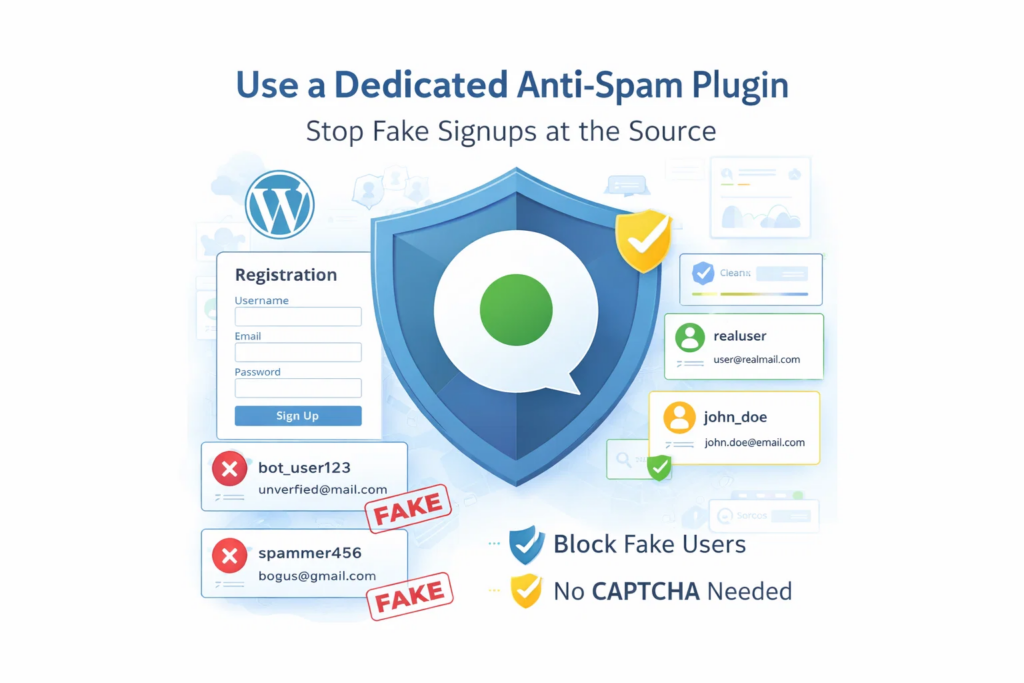
Fake registrations are more than a minor admin inconvenience. They fill your database with junk accounts, waste moderation time, reduce signup quality, and make it harder to understand what real user activity looks like. For WordPress sites, this problem is especially common. Registration forms are public by design, which makes them an easy target for
FEEDBACK LOG


The Latest
-
Update to block messages by language
We have added Cyrillic languages to the blacklist. So, if you don’t expect a comment on your website from Cyrillic languages you will be able to block all messages that contain Cyrillic symbols. At the moment, the blacklist of languages allows adding for blocking the next languages: Chinese Korean Japanese Hindi Arabic Cyrillic CleanTalk informs you about the…
-
List of Visited URLs of Your Visitors
We’ve launched the option to store the visited links of your visitors before they posted something on your website. It also includes the source where they came from to your website. (For the WordPress Plugin Only) To enable or disable the option go to settings of the CleanTalk Anti-Spam Plugin. Go to your WP Dashboard…
-
Additional email address to receive Weekly Anti-Spam Reports
We have launched the option to add additional email addresses to get Weekly Anti-Spam Reports. This is necessary for customers who care about receiving notifications for other site administrators or webmasters. Use the option “Grant” to add additional email addresses.Email notifications — allows adding other email addresses to receive Weekly Anti-Spam Report. If you want…
-
PHP Error Logging in the WordPress Backend
CleanTalk has added a new function in their WordPress Security Plugin. With CleanTalk Security you will always know about any PHP errors on your website. Are you sure that your website doesn’t have PHP errors?Not all hosting companies enable PHP Log by default and you need some time to enable it and sometimes it looks…