-
7 Ways to Prevent Fake Registrations on WordPress (with CleanTalk)
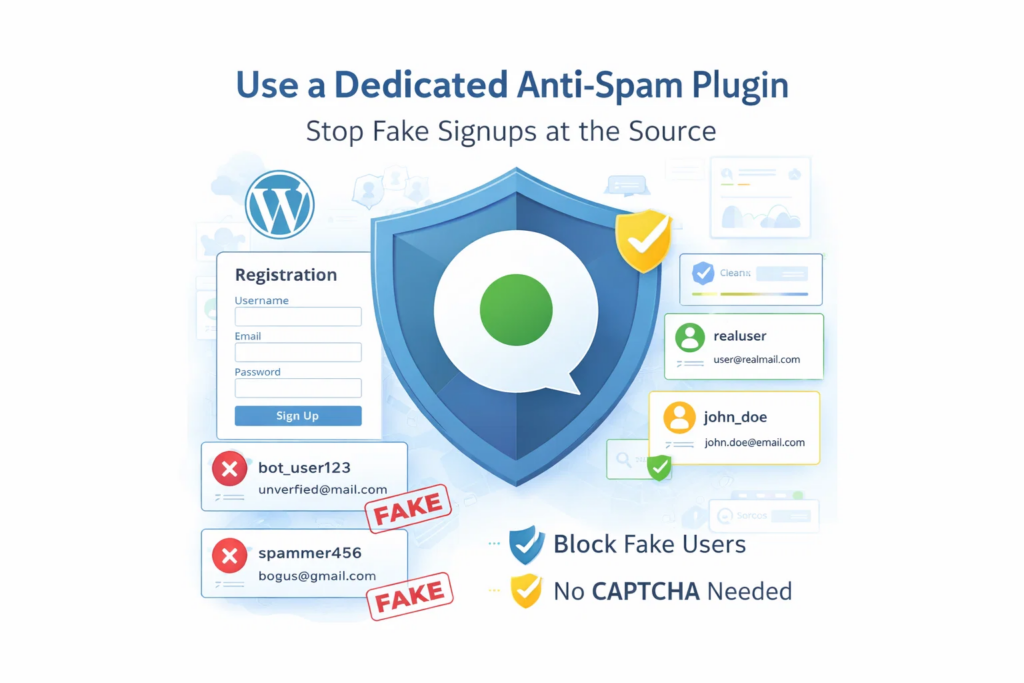
Fake registrations are more than a minor admin inconvenience. They fill your database with junk accounts, waste moderation time, reduce signup quality, and make it harder to understand what real user activity looks like. For WordPress sites, this problem is especially common. Registration forms are public by design, which makes them an easy target for
FEEDBACK LOG


The Latest
-
How to stop spam on WordPress – eForms
CleanTalk added spam protection for eForms using direct form integration. So in case, if you prefer using eForms be sure to use the most effective Anti-Spam plugin. Read the guide below and learn 4 steps to protect your eForms from spam. Once the CleanTalk Anti-Spam plugin is installed it starts to protect all of the…

-
Effective Way to Protect Your Email Address on Your Website From Spammers With Contacts Encoder
Publishing email addresses on websites is one of the easiest ways to attract spambots.Once exposed, your inbox can quickly become a magnet for junk — or worse, your address may end up on spam lists that circulate for years. To keep your site clean and your inbox safe, it’s essential to hide contact info from…

-
CleanTalk Affiliate Program Improved
We added all necessary options to the CleanTalk plugins to make publishing your referral link as easy as possible. From now on, feel free to add your Trust Text in a footer, under a form or choose any place you want using a shortcode. You can also add your affiliate ID to the referral in…

-
GDPR compliance notification in comments is no longer supported
A while back, you might have seen a checkbox in the comments of a WordPress website saying that the site visitor had read the agreement and agreed to the site’s GDPR policy. Without the checkbox, you couldn’t submit a comment. The feature wasn’t very popular and we decided to remove it. In the future. If…