
-
WordPress Password Leak Protection in CleanTalk Plugin
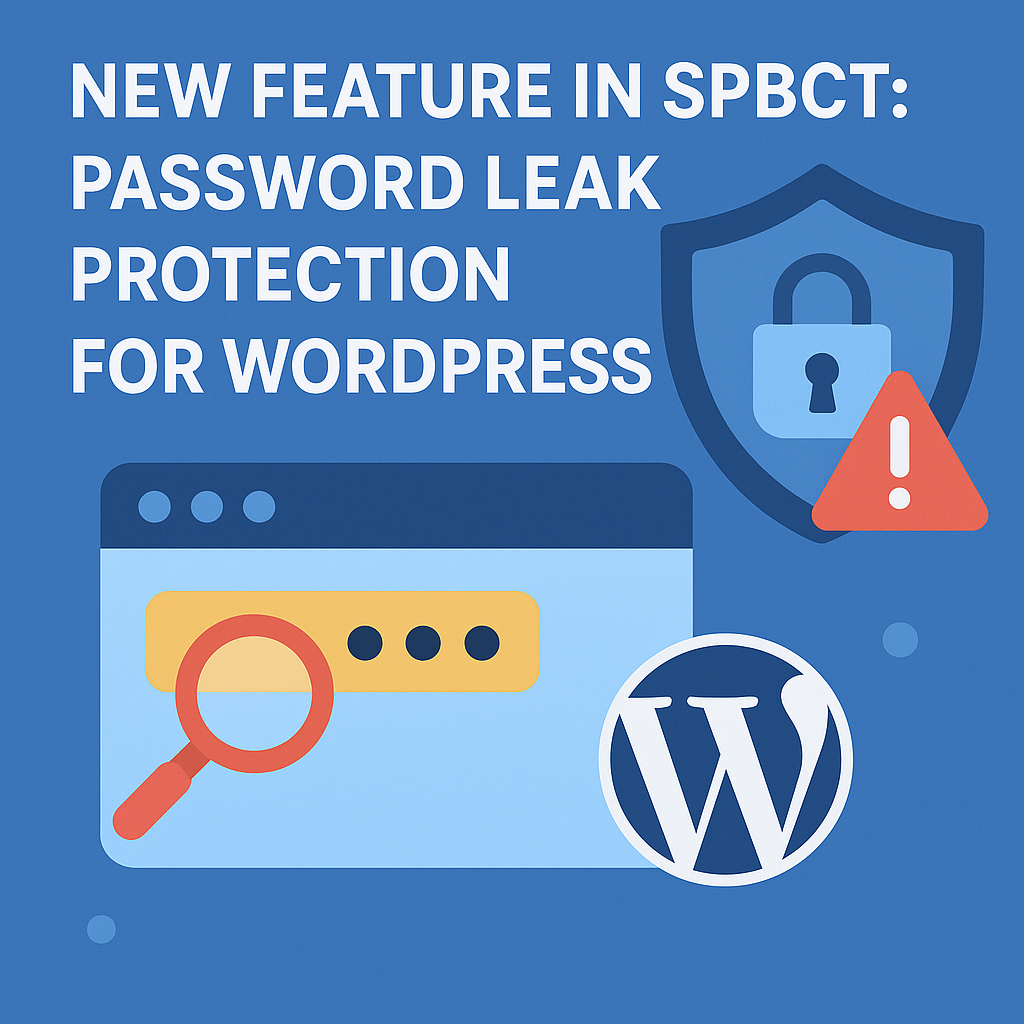
Leaked passwords are one of the fastest-growing threats to WordPress. WordPress password leak protection helps block attackers who reuse stolen credentials from massive breaches.Security by CleanTalk now gives you a way to stop them before they log in. What’s New: WordPress Password Leak Protection Password Leak Protection automatically checks user credentials against public breach databases.
FEEDBACK LOG
The Latest
-
Anti-Spam Filter for Subnets
Dear users! We are pleased to announce the launch of an anti-spam filter for subnets. Now you can add to your personal black list not only the certain IP addresses, but also a separate subnet. You can add entries to your personal black list in Black&White lists section of your CleanTalk Dashboard. The instruction of how to…
-
Delegating of access rights to the CleanTalk Dashboard
Dear Customers, We are pleased to announce the launch of a new option in the CleanTalk dashboard. This option allows you to delegate access rights to other users in CleanTalk dashboard. This option is useful for web studios and web masters serving the customer sites and allows you to provide access to view or give…
-
SpamFireWall – prohibition of access to the site for spambots
Every owner of the website or the webmaster is faced with such a scourge as spam in the comments or contact forms, registration by spambots in the guise of users. As a result, the form in the website processes these messages, which spend resources on the server. Some spam bots load the page to bypass…
-
From which CMS spam more often?
The statistics are based on data from anti-spam service CleanTalk, for the period from April 2015 to March 2016. The analysis was conducted for the following CMS: WordPress, Joomla, 1C Bitrix, Drupal, phpBB3.0, phpBB3.1, IP.Board, SimpleMachines, MediaWiki. The analysis was attended by all the POST requests processed by the service, such as comments, registration, contact…