-
How to Reduce Server Load by Simply Filtering Bad Traffic
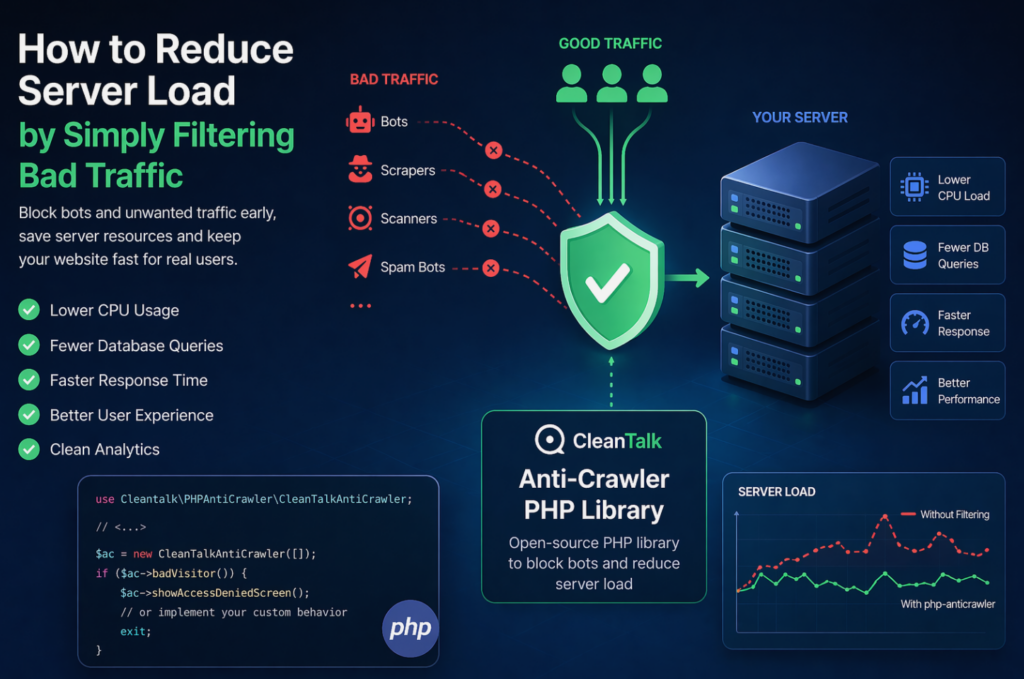
When a website starts slowing down, many teams immediately think about scaling infrastructure: adding CPU, RAM, more servers, or optimizing the database. In reality, a significant part of server load is often caused not by real users, but by automated traffic — bots, scrapers, vulnerability scanners, spam robots, and aggressive crawlers. These requests may continuously
FEEDBACK LOG


The Latest
-
How to protect your Profile Builder Forms from spam
In case you prefer to use Profile Builder Registration form be sure to use the most effective Anti-Spam plugin. Read the guide below and learn how to protect your Profile Builder Registration Forms from spam. Once the CleanTalk Anti-Spam plugin is installed it starts to protect all of the existing forms on your WordPress website.…

-
Fluent Contact Forms – how to protect it from spam in 5 minutes
In case you prefer to use the Fluent Contact Form be sure to use the most effective Anti-Spam plugin. Read the guide below and learn how to protect your Fluent Contact Forms from spam. Once the CleanTalk Anti-Spam plugin is installed it starts to protect all of the existing forms on your WordPress website. It…

-
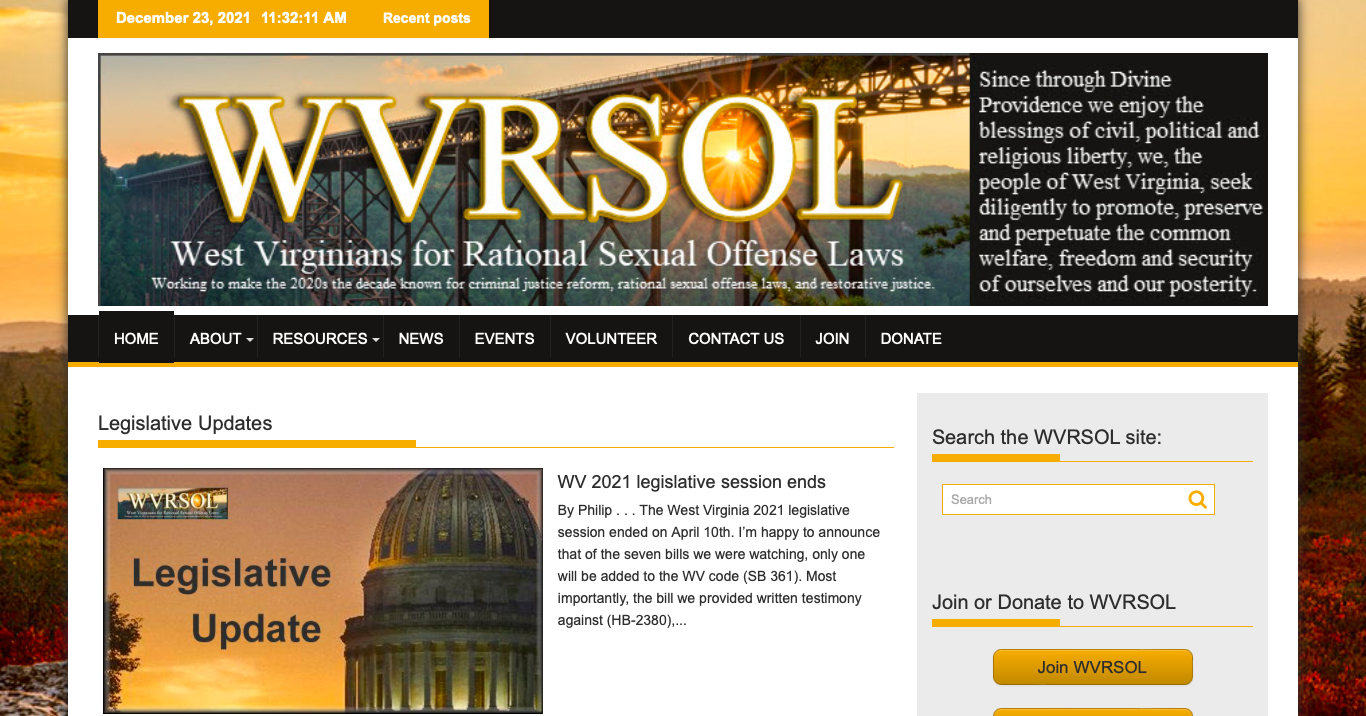
Our client’s story: WVRSOL.ORG
We continue sharing our clients’ reviews and today’s story is told by Philip Kaso, Executive Director of West Virginians for Rational Sexual Offense Laws (WVRSOL). West Virginians for Rational Sexual Offense Laws (WVRSOL) was established in 2020 as an unincorporated non-profit association and affiliate of the National Association for Rational Sexual Offense Laws (NARSOL). Our…
-
How to protect your BuddyPress Forms from spam
In case you prefer to use BuddyPress registration form be sure to use the most effective Anti-Spam plugin. Read the guide below and learn how to protect your BuddyPress Registration Forms from spam. Once the CleanTalk Anti-Spam plugin is installed it starts to protect all of the existing forms on your WordPress website. It may…