-
How to Reduce Server Load by Simply Filtering Bad Traffic
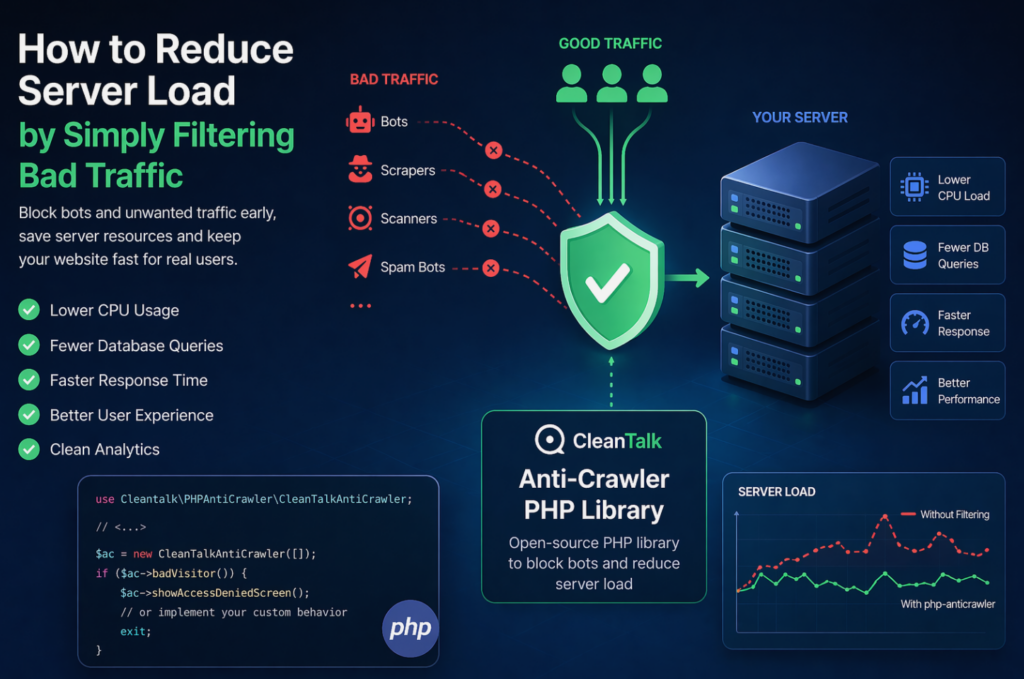
When a website starts slowing down, many teams immediately think about scaling infrastructure: adding CPU, RAM, more servers, or optimizing the database. In reality, a significant part of server load is often caused not by real users, but by automated traffic — bots, scrapers, vulnerability scanners, spam robots, and aggressive crawlers. These requests may continuously
FEEDBACK LOG


The Latest
-
Our client’s review: MORGENSTUDIO.DE
We continue sharing our clients’ reviews and today’s one is brought to you by @doriank from morgenstudio.de. Good solution for spam Using this on two sites for a while and works extremely good. Recommended!

-
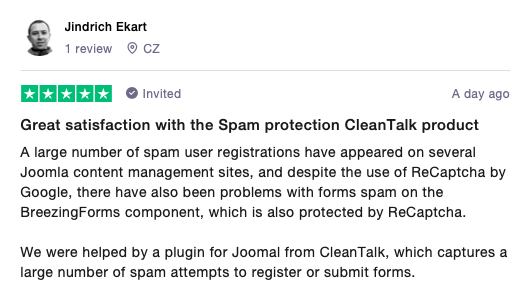
Our client’s story: EKART.CZ
We continue sharing our clients’ stories and today’s one is brought to you by Jindrich Ekart from ekart.cz. Great satisfaction with the Spam protection CleanTalk product A large number of spam user registrations have appeared on several Joomla content management sites, and despite the use of ReCaptcha by Google, there have also been problems with…
-
How to stop spam on Drupal – Webform Forms
CleanTalk added Webform Forms spam protection using direct form integration. So if you prefer to use Webform Forms, be sure to use the most effective Anti-Spam plugin. Read the guide below and learn 7 steps to protect your Webform Forms from spam. Once the CleanTalk Anti-Spam plugin is installed it starts to protect all of…
-
ChronoForms – Spam Protection for Joomla
CleanTalk added ChronoForms spam protection using direct form integration. So if you prefer to use ChronoForms, be sure to use the most effective Anti-Spam plugin. Read the guide below and learn 8 steps to protect your ChronoForms from spam. Once the CleanTalk Anti-Spam plugin is installed it starts to protect all of the existing forms…