
-
How to Reduce Server Load by Simply Filtering Bad Traffic
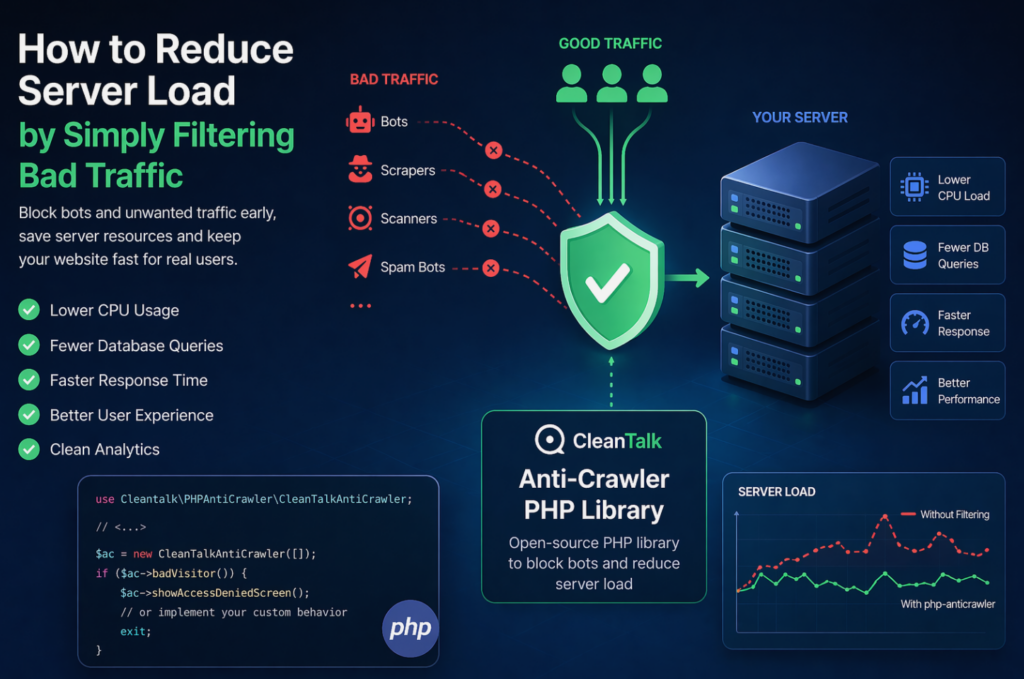
When a website starts slowing down, many teams immediately think about scaling infrastructure: adding CPU, RAM, more servers, or optimizing the database. In reality, a significant part of server load is often caused not by real users, but by automated traffic — bots, scrapers, vulnerability scanners, spam robots, and aggressive crawlers. These requests may continuously
FEEDBACK LOG


The Latest
-
29 Steps to audit your Website with your own hands and Top 7 Useful Website Audit Tools
Recently significantly expanded the list of aspects that must be considered when analyzing the quality of the site. First of all, this: mobile website optimization; regional resource optimization; the speed of loading pages and other components. We have tried to collect in the article the factors that you can directly affect your website and have…

-
Feature update for spam comment management in WordPress
We launched the update for possibilities to manage spam comments. The new option “Smart spam comments filter” divides all spam comments into Automated Spam or Manual Spam. For each comment, the service calculates probability — was this spam comment sent automatically or was it sent by a human. All automatic spam comments will be deleted…
-
The difference between nginx and apache with examples
During interviews for the role, Linux/Unix administrator in many IT companies ask, what is load average, than Nginx is different from apache httpd, and what is a fork. In this article, I will try to explain what expect to hear in response to these questions, and why. It is important to understand very well the…
-
New features for spam comments management on WordPress
For WordPress users of the service, we have added the new possibilities to manage spam comments. By default, all spam comments are placed in the spam folder, now you can change the way the plugin deals with spam comments: 1. Move to Spam Folder. You can prevent the proliferation of spam folder. It can be…