-
How to Reduce Server Load by Simply Filtering Bad Traffic
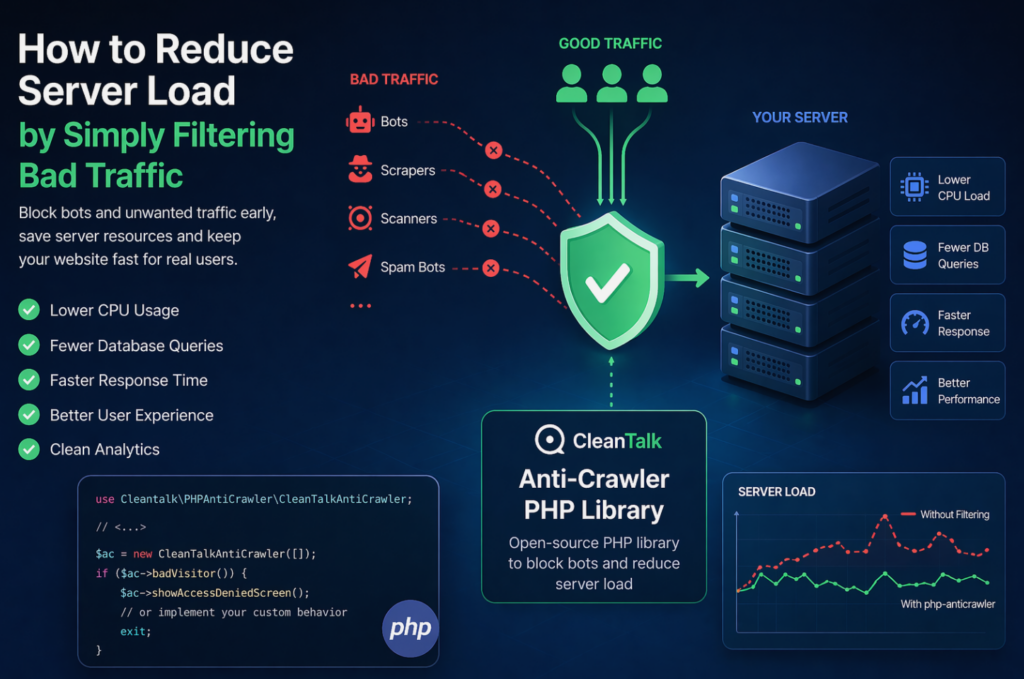
When a website starts slowing down, many teams immediately think about scaling infrastructure: adding CPU, RAM, more servers, or optimizing the database. In reality, a significant part of server load is often caused not by real users, but by automated traffic — bots, scrapers, vulnerability scanners, spam robots, and aggressive crawlers. These requests may continuously
FEEDBACK LOG


The Latest
-
Easy Digital Downloads – Spam Protection for WordPress
CleanTalk added spam protection for Easy Digital Downloads Forms using direct form integration. So in case, you prefer using Easy Digital Downloads Forms be sure to use the most effective Anti-Spam plugin. Read the guide below and learn 4 steps to protect your Easy Digital Downloads Forms from spam. Once the CleanTalk Anti-Spam plugin is…

-
Additional Services of CleanTalk Anti-Spam in Demand
This article is about our extra services that are in the most demand among the clients of CleanTalk Anti-Spam. The Personal Lists feature (by IP and email addresses) does not count in this review as it’s not an extra feature, it is included in the basic package of the service. Extra Package expands the service…

-
5 Reasons Why Daily Group Reports Will Save You Time
Some people do daily reports to account for their time at work, some are proud to share their progress, and for some, it’s nothing more than an obligation. The reasons may vary, but the important thing is that it should work for you. For us at СleanTalk daily reports are a full-fledged communication channel, so…

-
Our client’s review: STRINGKICK.COM
·
We continue sharing our clients’ reviews and today’s one is brought to you by @freekwp from stringkick.com. Great solution that does what it promises I tried many solutions, from honeypots to reCaptcha, but none of them worked. With Cleantalk my spam messages dropped to zero overnight. The other week I was hit by a spam…